Game Modes
Game Modes in Cube Jump Online
Đọc bằng tiếng ViệtCube Jump Online is built around fast, readable arcade runs that work in a browser without a long setup. The game currently focuses on two main ways to play: solo runs and online rooms. Both modes use the same core jumping skill, so practice in one mode helps in the other. The difference is the setting around the run: solo mode is best for learning timing at your own pace, while online rooms are designed for shared sessions with friends.
Solo Play
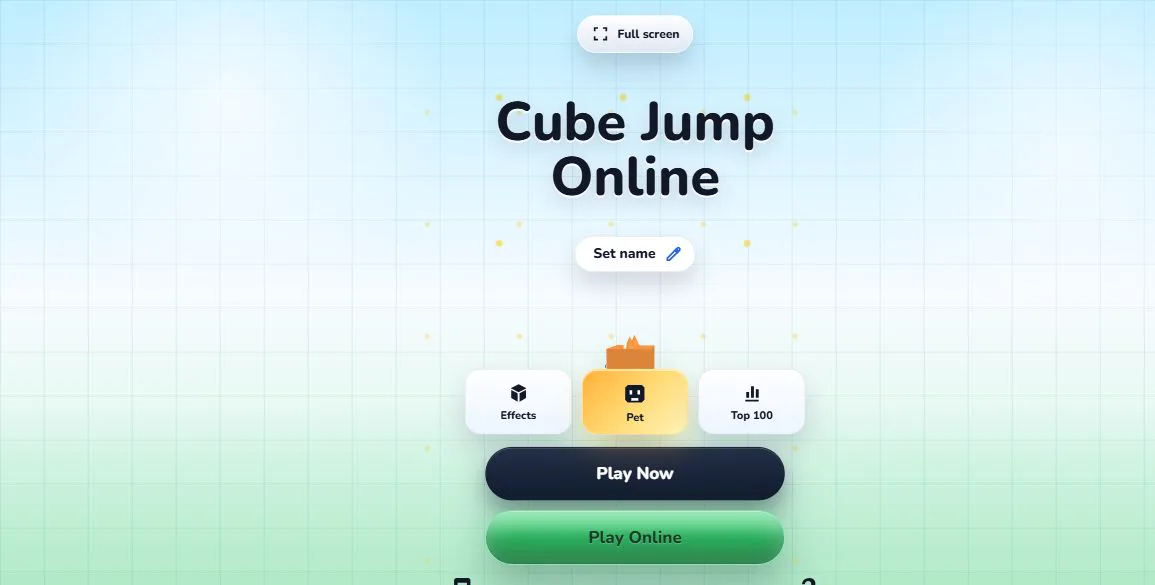
Solo play is the quickest way to start. Open the home screen, press Play Now, and the run begins in the browser. There is no account requirement, lobby setup, or waiting room. The goal is to guide the cube from step to step, keep a steady rhythm, and stay calm as the pace becomes more demanding. Each mistake teaches something useful: whether you tapped too early, chose the wrong side, or lost focus as blocks began to fall faster.
Solo mode is also where many players learn checkpoints and cosmetic progress. A run can be short, but the loop is intentionally quick: restart, try a cleaner route, and build confidence with the same simple input rules. Because the controls stay consistent, improvement comes from timing, pattern recognition, and better attention to the next safe move.
Online Rooms
Online rooms let players create a short room code and invite friends into the same session. The room system is designed for casual multiplayer play rather than complicated matchmaking. One player creates a room, others join with the code, and the room can start when the group is ready. During a room run, players can compare progress and see how far everyone gets under the same general pressure.
The online flow keeps the game lightweight. A room code is temporary, and room state is handled by the room service so players can focus on the run instead of setup. If a connection is interrupted, the game attempts to keep the room state stable where possible. Online play still depends on network quality, so solo mode is the better choice when you want the simplest and most predictable practice session.
Choosing a Mode
Choose solo mode when you want to practice timing, learn checkpoints, or play a quick round on your own. Choose online rooms when you want to share the run with friends and compare progress in the same session. Neither mode changes the basic idea of Cube Jump Online: each jump should be deliberate, each restart should be quick, and the best scores come from staying composed when the pace increases.
The two modes are intentionally close to each other. Cube Jump Online does not ask players to learn a different rule set just to play online. If you can read the steps and keep rhythm in solo mode, you already understand the foundation of an online room. That makes the game easy to introduce to someone new: explain left and right jumps, share the room code, and start playing.
Performance and Device Choice
Cube Jump Online is designed for desktop browsers, phones, and tablets. The settings panel includes performance options so players can choose a smoother or lighter preset depending on the device. A stronger device can use a higher frame rate for a smoother feel, while an older device may benefit from a lighter setting. The game remains focused on responsive play rather than heavy menus or long loading flows.