Checkpoints and Rewards
How Checkpoints and Rewards Support Better Runs
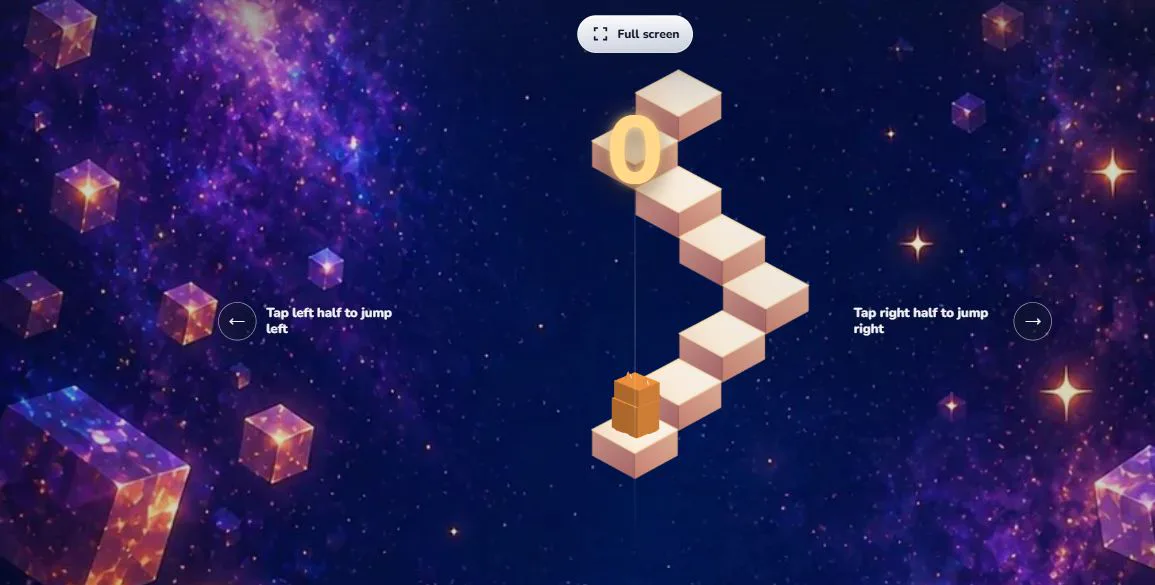
Đọc bằng tiếng ViệtCube Jump Online is a score-focused arcade game, but it also includes checkpoint and cube systems that make practice feel more meaningful. These systems are not a shortcut around the main challenge. The player still has to time each jump, read the next step, and react as pressure increases. Checkpoints and rewards simply give players a clearer sense of progress between attempts.
What Checkpoints Do
A checkpoint marks useful progress in a run. Instead of treating every mistake as the end of all learning, the game can use checkpoint progress to help players return to a later section and practice it again. This is especially helpful in a game where the early steps may become familiar while later sections still feel tense. A checkpoint gives the player a target to reach and a way to understand how far they have improved.
Checkpoints do not remove the need for skill. A revived or continued run still requires clean timing after the checkpoint. If the player rushes, taps without rhythm, or ignores the next safe step, the run can still end quickly. The system is best understood as practice support: it helps players spend more time learning the parts of the route that matter most to them.
Cube Rewards
Cube Jump Online uses cube rewards as in-game progress earned through play. Cubes can support choices such as continuing from a checkpoint or unlocking cosmetic effects, depending on the current state of the game. The important point is that cube rewards are part of the game loop, not a promise of money or real-world value. They exist to make repeated practice feel more satisfying and to give players something visible to work toward.
Because cubes are tied to gameplay progress, they encourage players to keep improving rather than simply changing appearance for its own sake. A player who reaches further sections, learns better rhythm, and restarts with intention will naturally understand the reward system better over time.
Revive Choices
When a revive choice appears, the player may see options connected to checkpoint progress. Reward buttons grant the displayed in-game benefit directly without loading an advertising SDK. Cube-based revive choices remain part of the game flow when the player has enough cubes.
The reward is applied only after the player chooses the button, keeping the action explicit while avoiding any third-party advertising request.
Rewards Stay Cosmetic or Progress-Oriented
Cube Jump Online rewards are designed around the game itself: checkpoint continuation, visual effects, cube skins, and background style. They do not change the basic rules of jumping, and they do not turn the game into a gambling or earning product. The challenge remains skill-based. A different effect may make the run look more personal, but it does not replace timing, attention, or practice.
How to Use Checkpoints Well
The best way to use checkpoints is to treat them as learning markers. Notice where a mistake happens, take a breath, and try to return to that section with a clearer plan. If a later part feels too fast, practice reading one step ahead. If mistakes happen right after a revive, slow down mentally before the next jump. A checkpoint is most valuable when it helps you understand the run instead of just extending it.